
Virtual environment
Assumption:
- We are asked to work on a fastapi project to run the ml models.
- This project requires fast api, pytorch and hugging face
- What we would acheive
- creating virtual environment
- writing a python module
- creating a jupyter notebook with virtual environment
Steps
- Create a new folder
- Now execute the following command
# Create a virtual environment and store everything in .venv
python -m venv .venv

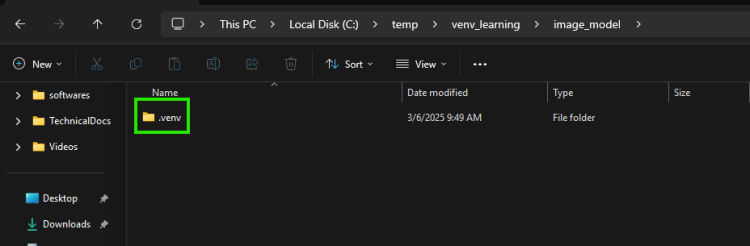
- Now activate the virtual environment
- Windows
.\.venv\Scripts\activate
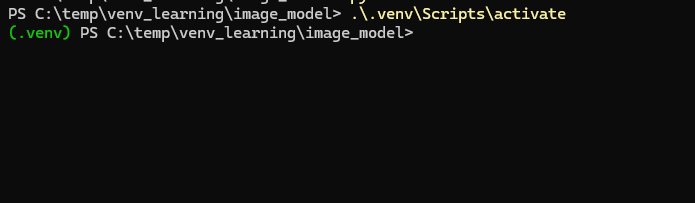
- Mac or linux
source .venv/bin/activate
- Windows
- Now install dependencies
fastapiRefer Here
pip install "fastapi[standard]"
- To make it easier to list out dependencies we list all of them in a file called as
requirements.txt
pip freeze > requirements.txt
